Login
After installing Codex Catalog, your first step is to confirm that you have the right permissions to sign in using your credentials.
If you don’t have access yet, please ask your administrator to provide you with the appropriate credetials.
Sign in with Username and Password
When you navigate to the Codex Catalog, the sign-in page will appear on screen.
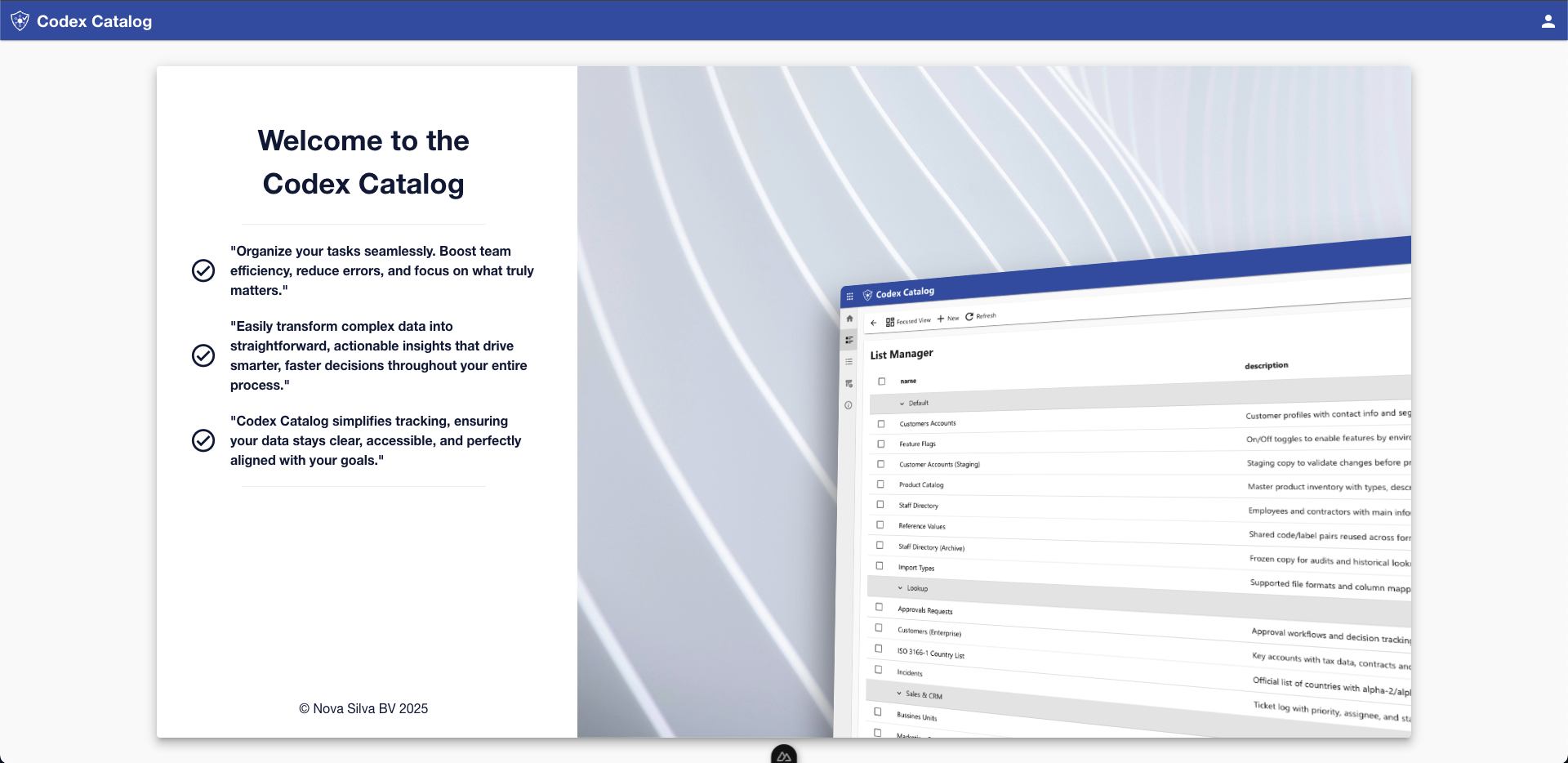
To sign in:
-
Click on the User icon in the top-right corner.
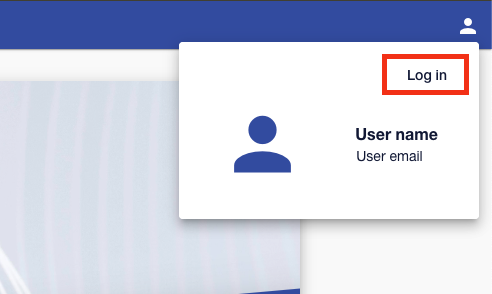
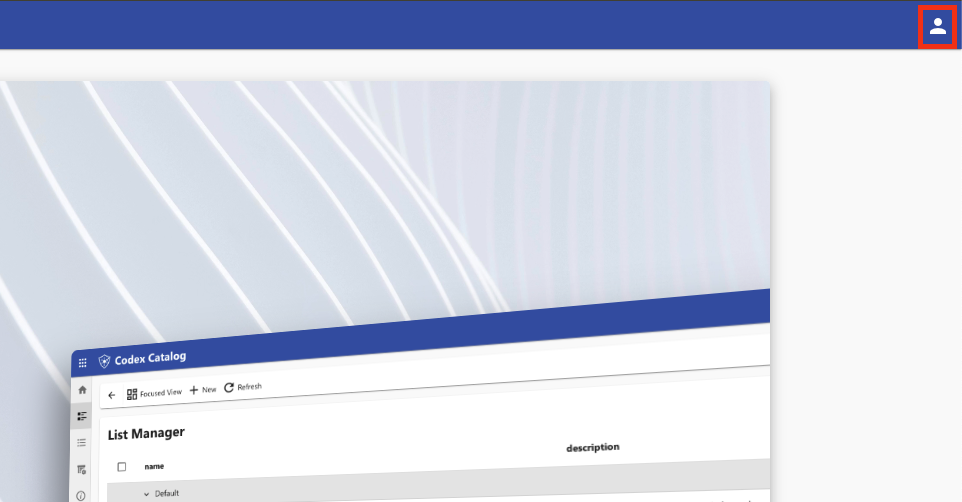 A small modal card will appear. If you’re not signed in, this card will display empty fields for username and email.
 -
Select Log in in the top-right corner of the card.
-
When asked, enter your username and password. Then, select Continue.
Once done, you’ll be signed in successfully.
Alternative: Sign in with your Microsoft account
As an alternative, your administrator can enable Microsoft authentication by linking your Microsoft account, enabling Microsoft authentication or 'Single Sign On' (SSO).
When SSO is enabled, simply click on Log in. You’ll be redirected to the Microsoft sign-in page and, after completing the Microsoft authentication, you will be redirected automatically to the Codex Catalog front page.