Delete a Data Record
Who can delete?
- You can delete a record if you have Delete permissions for the list.
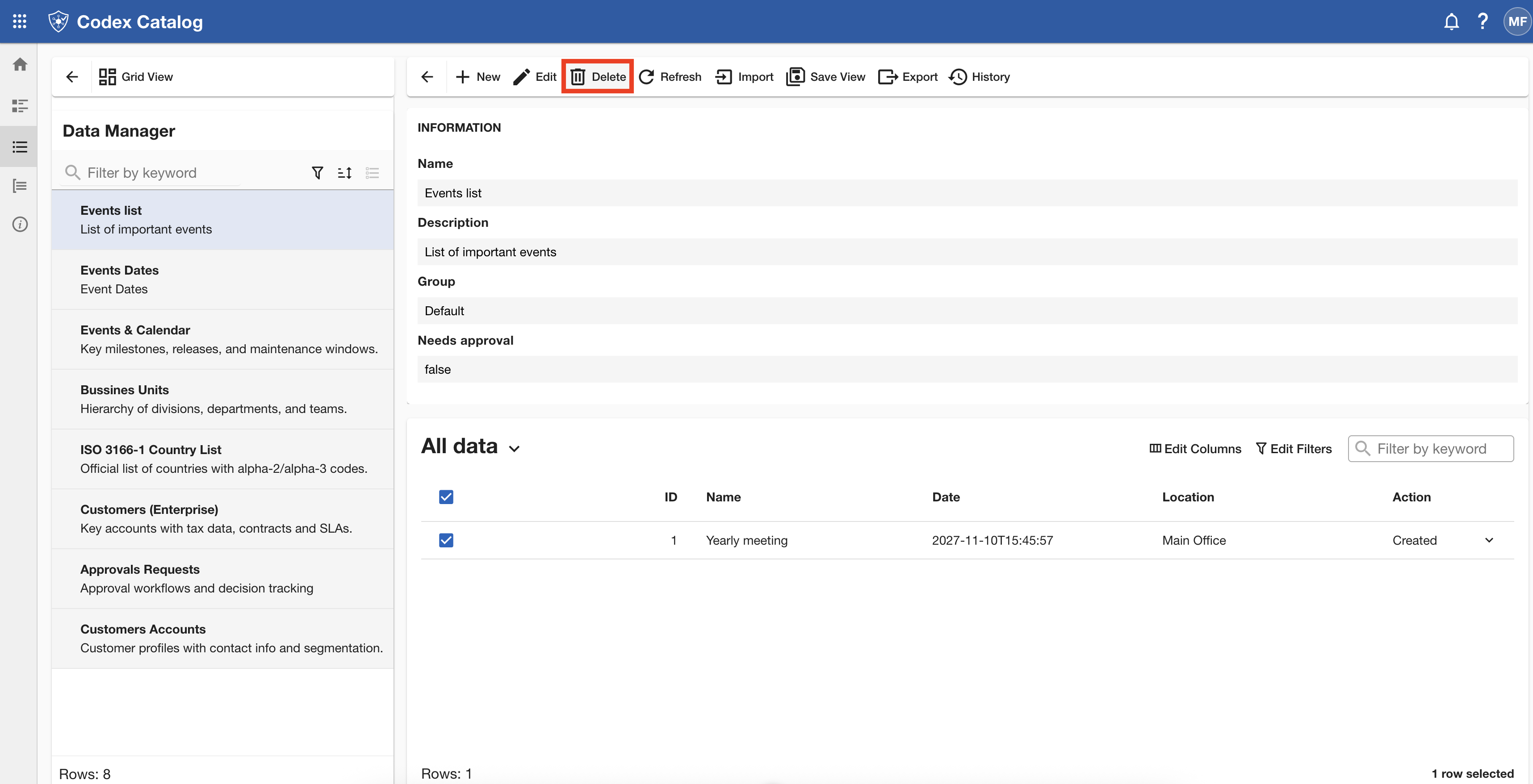
- The Delete button is shown only when you select a record in Focused View.
How to delete
-
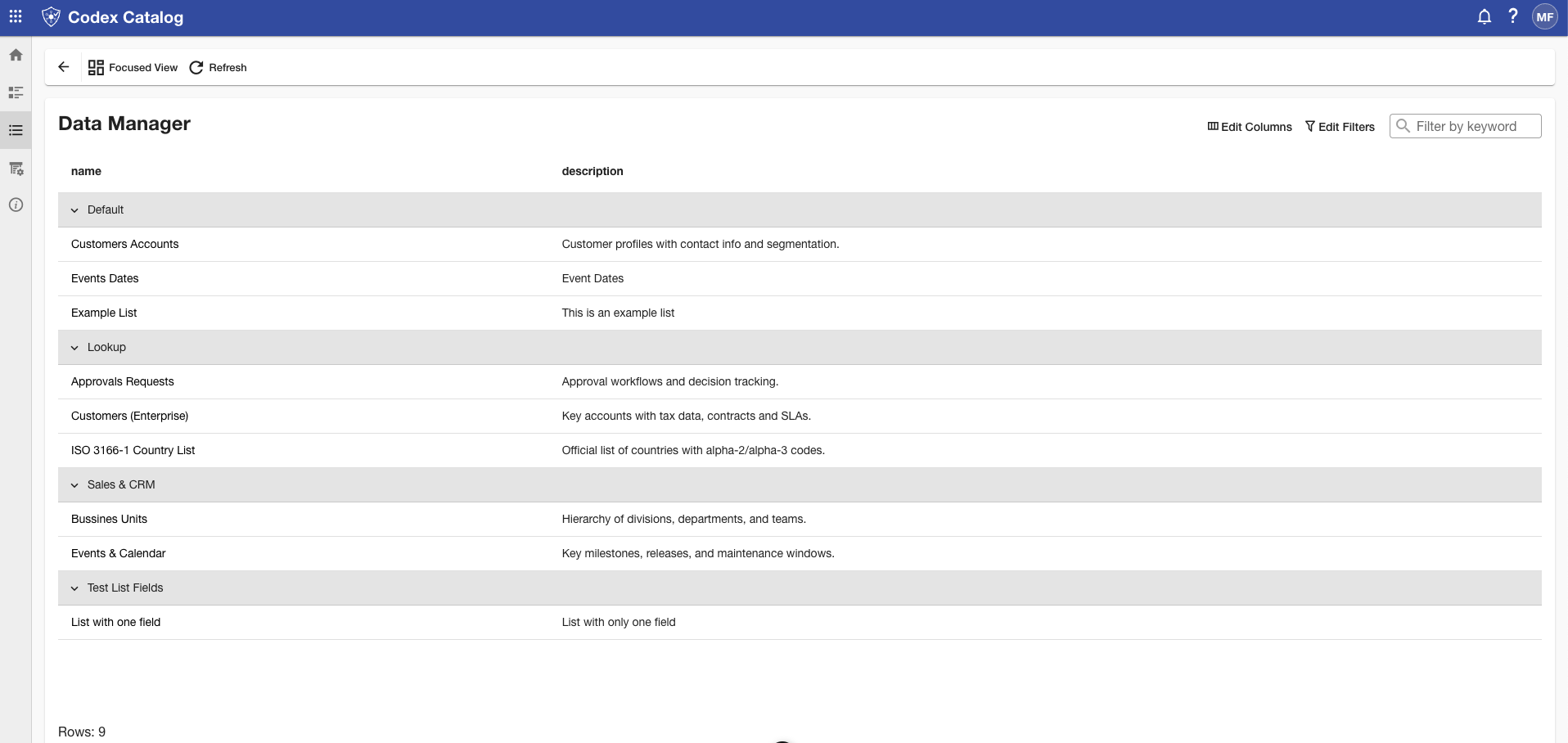
Go to the Data Manager either from the Home card or from the Page Toolbar.
-
In Focused View, select the target record.
- Click Delete and confirm the action.
What happens
- The record is permanently removed from the list.
- This action cannot be reversed.
Note: If you select a record and neither Edit nor Delete appears, you likely lack the required permissions. Refresh the page if your permissions were recently updated.