Log in as an Administrator
Administrators have extended privileges compared to other user roles.
They can manage users (including removing them) and configure application settings.
How to Log In as an Admin
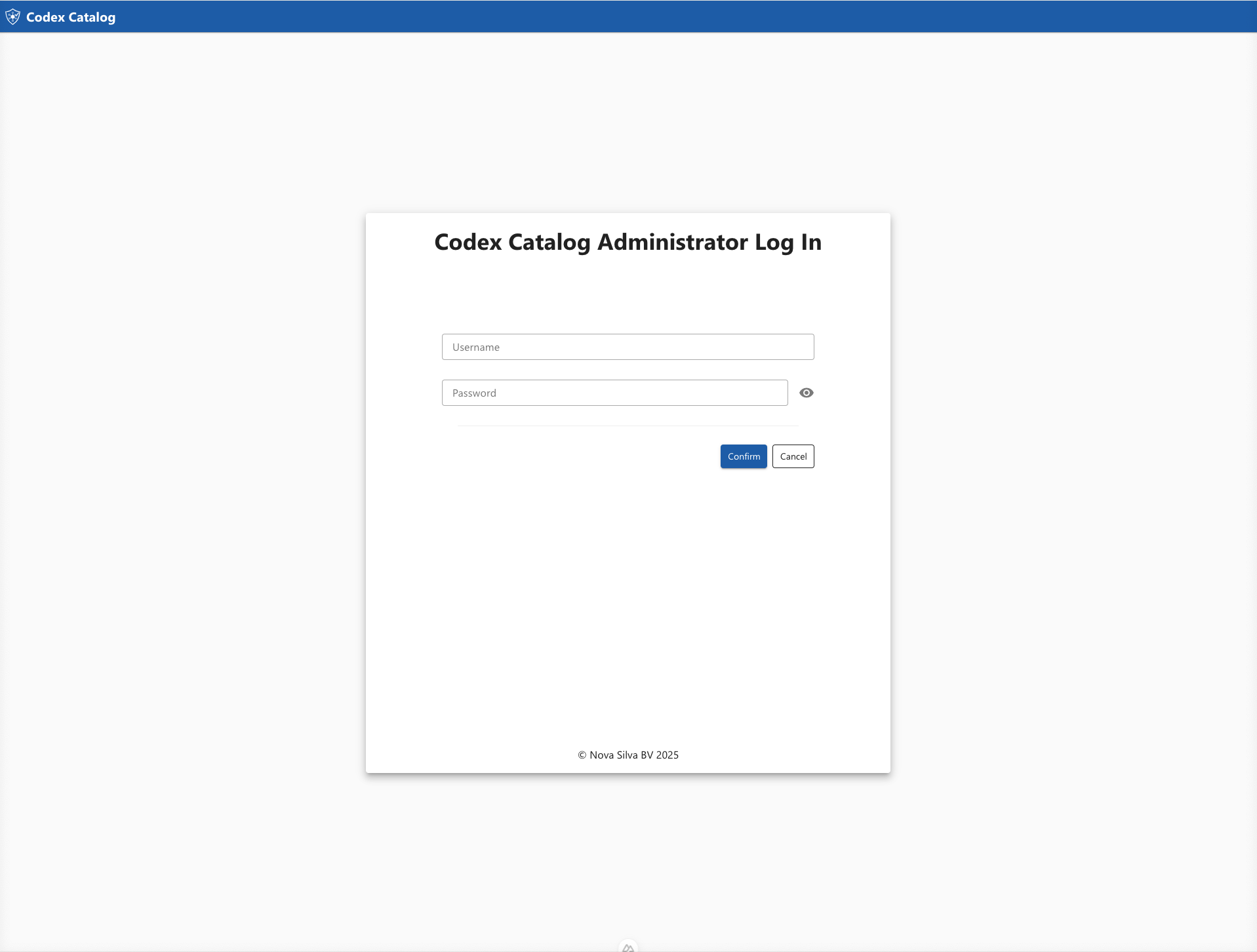
To log in as an administrator, navigate to the /loginadmin URL.
This is the same login page as the standard one, but with /loginadmin at the end of the URL instead of /login.
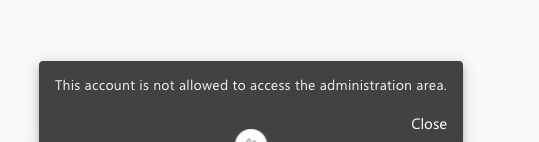
If you attempt to log in with a user account that exists in the database but does not have admin privileges, an error message will appear:
Admin Capabilities
Once logged in as an administrator, you gain access to advanced management features, including:
- Removing list groups
- Configuring application settings such as Application Roles, SSO (Single Sign-On) configuration, and unlocking System Logs
- Managing users, including adding, editing, and deleting accounts
- Managing user groups for better organization and access control