The installer
Loggin in
When you click on the link inserted into the confirmation email, you will be redirected to the Codex Catalog Installer login page.
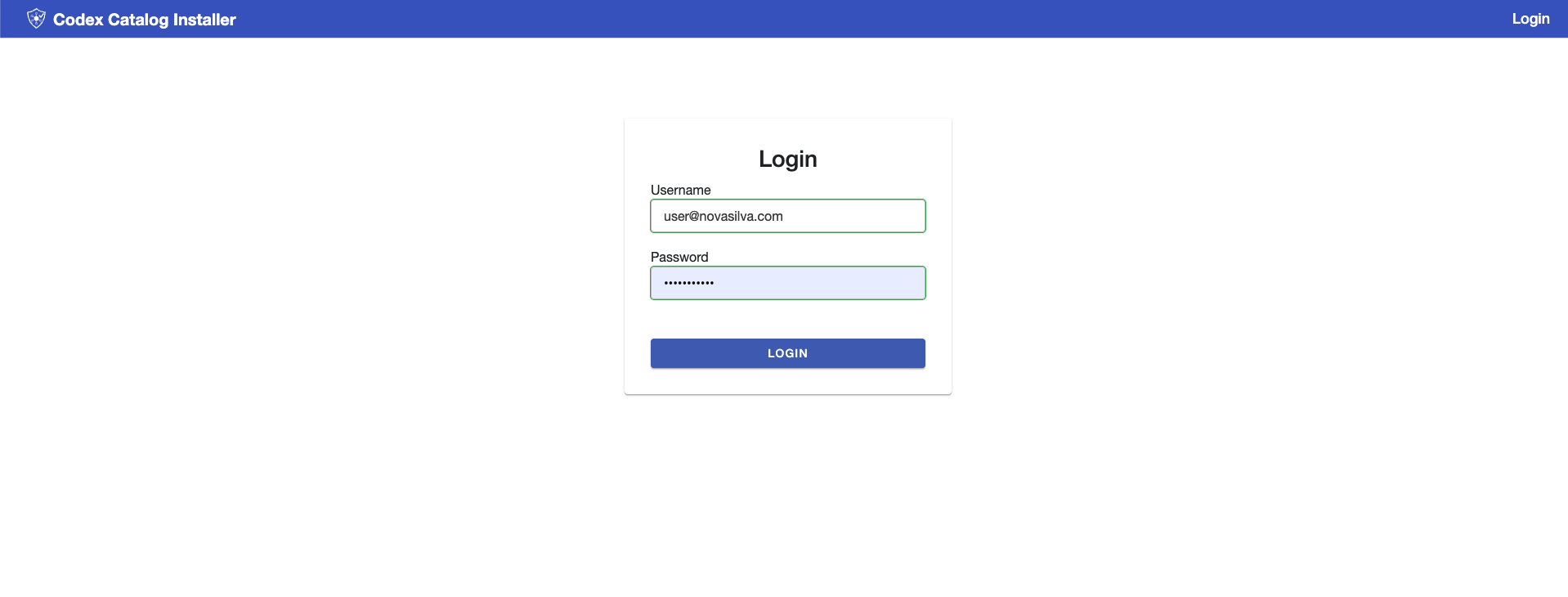
Type the username and password you defined during the setup process to log in, then click on the "Login” button.
If the credentials are correct, you will have signed into the Codex Catalog.
Welcome page
After logging in, you will see the Welcome Page of the installer. This page displays your current installation of the Codex Catalog (if any) and the latest version available for this product (if available).
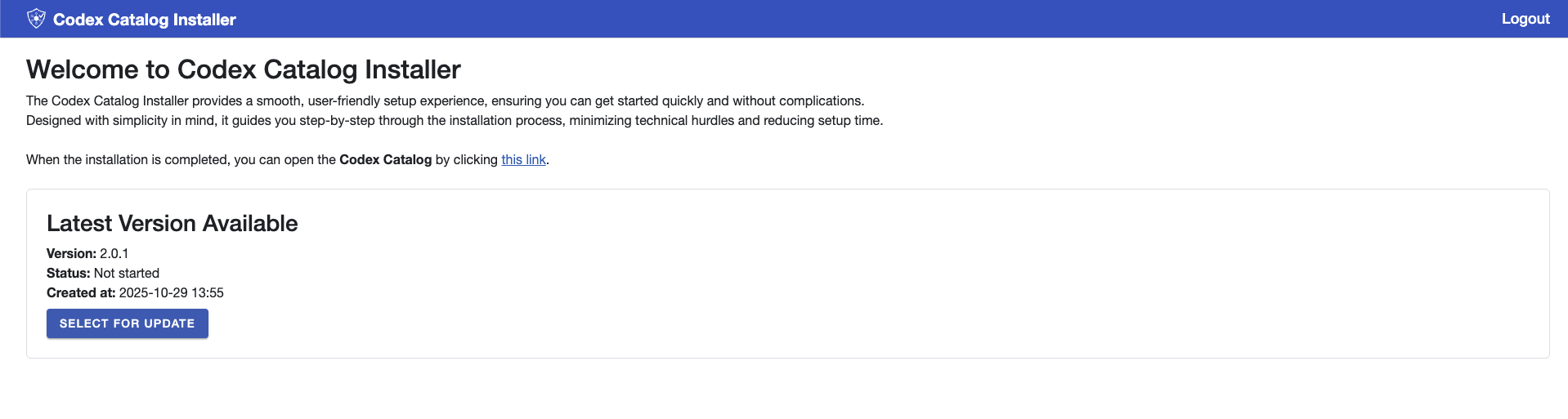
From here, you can:
To sign out, click Logout in the top-right corner.
Installer Updates
Occasionally, the installer itself will require an update. This is an update to the installer tool, not the Codex Catalog application.
When this screen appears, simply click Update to continue.